
Blog Post
Small Business Client Management: A 12-Client Weekly System
Build a small business client management system with one record, one next action, and a weekly review. Includes a 12-client venue example.
VenueBill Team
VenueBill is a booking and billing platform for wedding and event venues.
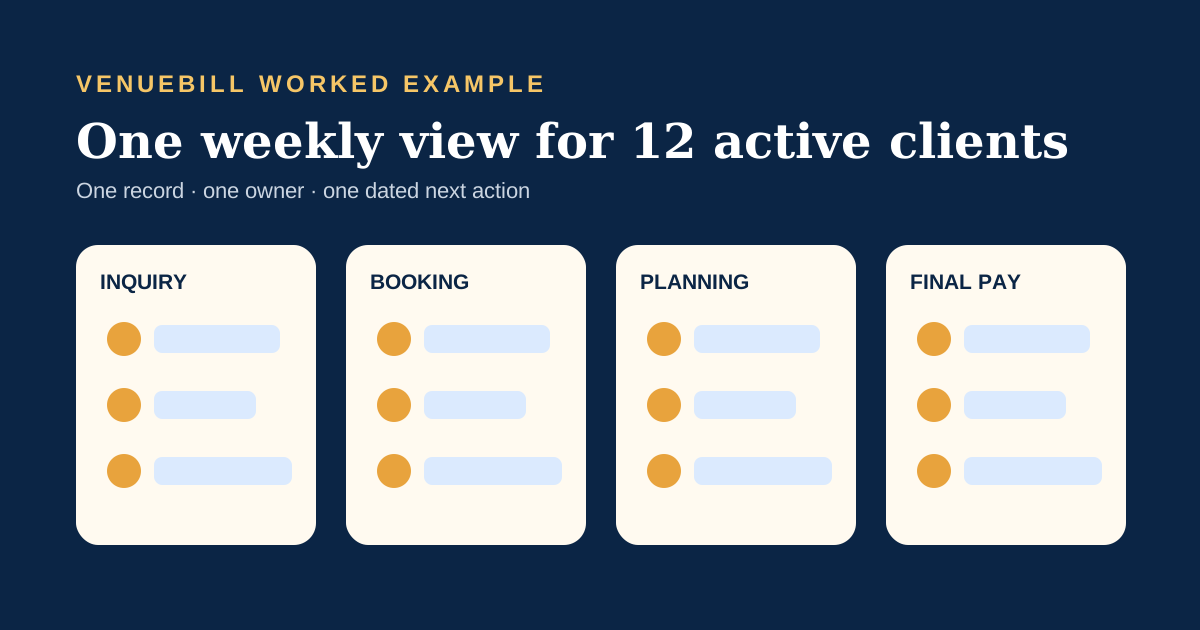
Small business client management works when every client has one current record, one accountable owner, and one dated next action. A 12-client venue can run that system in a 30-minute weekly review by grouping clients into inquiry, booking, planning, and final-payment stages. The worked example below shows the fields, time savings, and handoffs without duplicating a full sales CRM.
Search results for this topic favor step-by-step workflows and software lists because owners are usually trying to stop information from scattering after a client says yes. The software matters, but the record design comes first. The U.S. Chamber of Commerce's 2024 small-business technology report found that 99% of small businesses use at least one technology platform and 81% plan to increase their use. Adding another tool only helps when it removes a handoff or gives someone a clearer next move.
What belongs in a small business client record?
A small business client record should hold the contact, agreed scope, money status, next promise, owner, and last client-facing update. Those six fields answer the questions that interrupt a small team during the week.
| Field | Example | Question it answers |
|---|---|---|
| Client and contact | Maya Chen, maya@example.com | Who makes the decision? |
| Scope | Saturday reception, Garden Room, 140 guests | What did we agree to deliver? |
| Money status | $3,000 deposit paid; $4,500 due January 15 | What has cleared and what remains? |
| Next promise | Send revised floor plan by Friday | What does the client expect next? |
| Owner | Jordan | Who closes the loop? |
| Last update | Menu choices confirmed October 6 | What does the client already know? |
Sales notes can live in customer relationship management software, while delivery tasks may sit in a project tool. The client record should link those systems or summarize their current state. Our comparison of all-in-one and point business software explains the cost and scope tradeoff when a team is deciding between one suite and several focused tools.
How do you separate clients by stage?
A small business should separate clients by the decision or deliverable that moves each relationship forward. For an event venue, four stages cover the client journey after the first inquiry without turning the board into a maze.
- Inquiry: qualify the date, event type, budget, and guest count.
- Booking: agree on scope, sign the contract, and clear the deposit.
- Planning: collect selections, headcount, vendor details, and changes.
- Final payment: confirm the final invoice, cleared balance, and event handoff.
Each stage needs an exit condition. “Booking” ends when the signed contract and cleared deposit are both present. A proposal sent without either one stays open. The wedding venue business plan example gives those client stages financial context through deposits, seasonal occupancy, and revenue timing.
What does a 12-client weekly review look like?
A 12-client weekly review checks only exceptions and next actions, so the team can finish it in half an hour. Consider Cedar Room, a hypothetical single-space venue with three clients in each of the four stages.
| Stage | Clients | Weekly check | Example exception |
|---|---|---|---|
| Inquiry | 3 | Reply sent, tour or close-out dated | One lead has waited 22 hours |
| Booking | 3 | Contract and deposit state agree | Contract signed; deposit still open |
| Planning | 3 | Next client choice and owner are dated | Floor plan promised Friday |
| Final payment | 3 | Balance and settlement status checked | $2,500 is due in seven days |
Give each record two minutes unless it has an exception: 12 clients × 2 minutes equals 24 minutes, leaving six minutes to assign owners and send the two most urgent updates. These are illustrative operating numbers. Their value comes from the constraint. A weekly meeting that requires rebuilding every client's history from email will quickly run past 30 minutes.
How much time can one shared record save?
One shared record can save about 83 staff hours a year in this hypothetical venue when it cuts client-status reconstruction from 12 minutes to 4 minutes per client each week. The arithmetic is 12 clients × 8 minutes saved × 52 weeks ÷ 60, or 83.2 hours.
At a loaded labor cost of $30 an hour, that time is worth $2,496 a year. The estimate does not count extra bookings or claim that software caused the savings. It values one narrow behavior: staff open a current record instead of searching messages, documents, and task lists to answer “what happens next?”
The second gain is harder to price and easier to see. Cedar Room's review catches the $2,500 balance due next week while there is still time to send a calm reminder. That single exception matters more than a dashboard full of contact counts.
Which work belongs in CRM, task, social, and billing tools?
Client management belongs across several tools only when each system has a clear job and a defined handoff. A small team should resist copying the same note into every platform.
| System | Job | Handoff |
|---|---|---|
| CRM | Lead source, contact history, sales stage | Create the booked client and event after acceptance |
| Task management | Internal work, owners, due dates, blockers | Write the completed outcome back to the client record |
| Social media platform | Publishing calendar, comments, campaign performance | Send qualified inquiries into the CRM |
| Booking and billing | Event, contract, deposit, installments, balance | Expose the confirmed money and signature state to staff and client |
VenueBill focuses on booking and billing. Social scheduling and full pre-sale CRM sit outside its scope. Once a venue is ready to book a client, VenueBill keeps the event, contract, deposit, payment schedule, and portal together. The site's event stock setup guide demonstrates the same design rule on the operations side: keep the record attached to the decision it controls.
How do you build the system in one afternoon?
A small business can build the first version in one afternoon by importing only active clients and requiring a next action on every open record. Historical cleanup can wait until the current work is visible.
- List every active client and assign one relationship owner.
- Choose four to six stages with a measurable exit condition.
- Add the six core fields: contact, scope, money, next promise, owner, last update.
- Move documents into one linked location instead of attaching fresh copies to each email.
- Set a 30-minute weekly exception review.
- After four weeks, remove any field nobody used and automate one repeated reminder.
The U.S. Chamber's report says technology use among small businesses is nearly universal. The practical test is smaller: can a coworker open one record on Monday morning and tell the client the truth without asking three people first? If so, the system is doing useful work.
Frequently Asked Questions
Quick answers to the questions readers ask most about this topic.
What is small business client management?
Is client management the same as CRM?
What fields should a small client system track?
How often should a small team review active clients?
Put your next booking on a payment schedule
Keep the couple, event date, deposit, contract, and final balance together. Create your account, set up your venue, and start with one event.
Card required, no charge today. Pro renews at $39/month after 14 days unless canceled.